AI-Enhanced Design Workflow
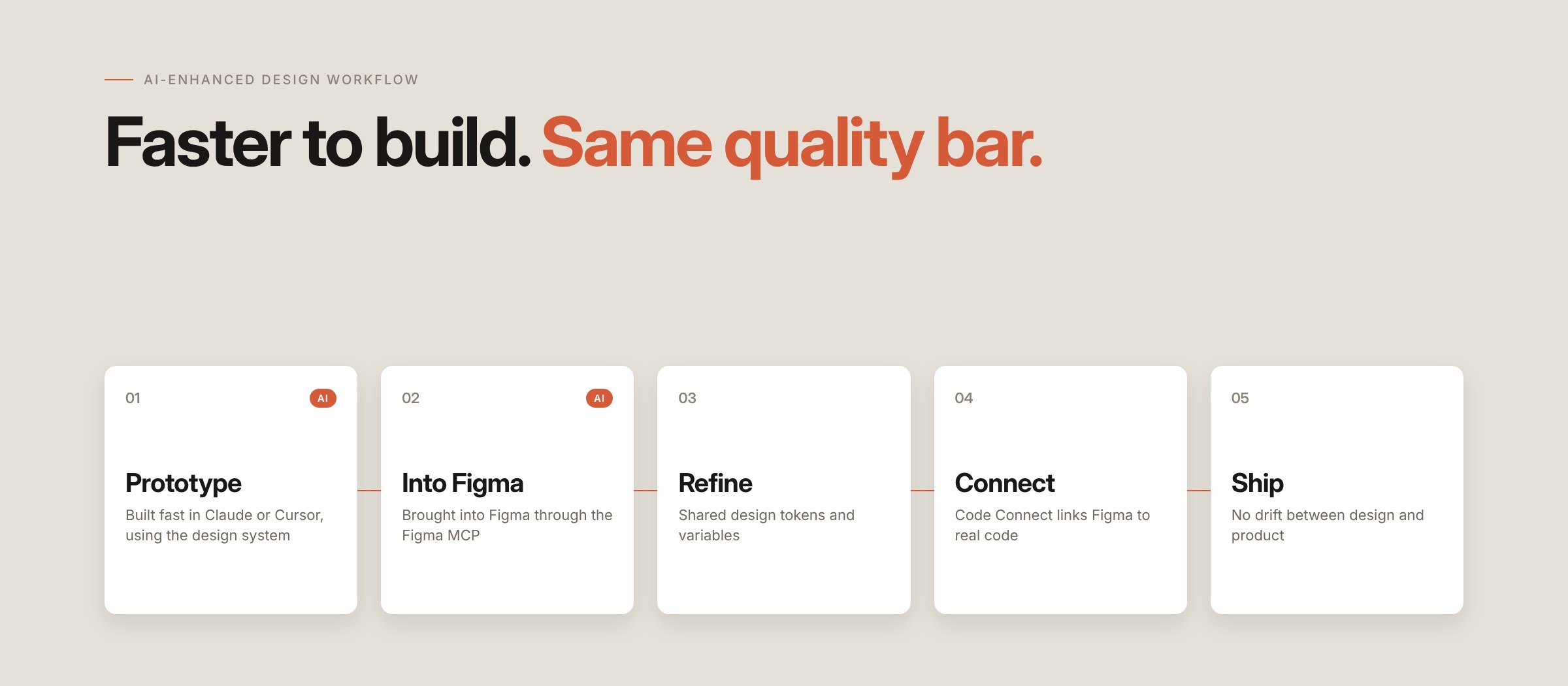
I set up a design workflow that lets our team build with AI without losing design quality. Work can start as a quick prototype in Claude or Cursor, move into Figma through the Figma MCP, and link back to real code with Code Connect. Because everything traces back to the same design tokens and components, what gets built with AI matches what was designed.
The problem
Engineering was adopting AI and moving faster than ever, and design had to keep up. Handoffs were slow, the built product drifted away from the designs, and accessibility issues were caught late, after the work was already in code. With a small design team and a growing workload, design was at risk of becoming the bottleneck, or getting skipped entirely.
The approach
I partnered with our staff UX engineer to plan a workflow where design and AI-built code share one foundation, then helped roll it out to the team. Work can start as a quick prototype in Claude or Cursor, connected to our design system so it uses real components from the first draft. From there it comes into Figma through the Figma MCP for refinement, and Code Connect links each Figma component to its actual code, so the two stay in sync. AI agents also run accessibility checks earlier, before work reaches development.
I stayed hands-on throughout. I built prototypes with AI myself, and I helped set up the Figma design system file, including the design tokens and variables that both Figma and code pull from. That shared foundation is what keeps AI-built work consistent and on brand.
The outcome
There's no drift between design and code. The UI looks the same in Figma as it does in the product, because both use the same tokens and components. Design keeps pace with an engineering team that moves at AI speed, and work built quickly with AI still meets the design standard.